This is a short wrap-up of our Securing Your Digital Life series. So far we have covered:
Now for some tools that can help increase your privacy and security online. This post is not sponsored in any way. These are products I have used, or still use, and have found helpful.
It's not an exhaustive list. There are so many privacy and security tools out there that I could write an article a week about them for the rest of my life.
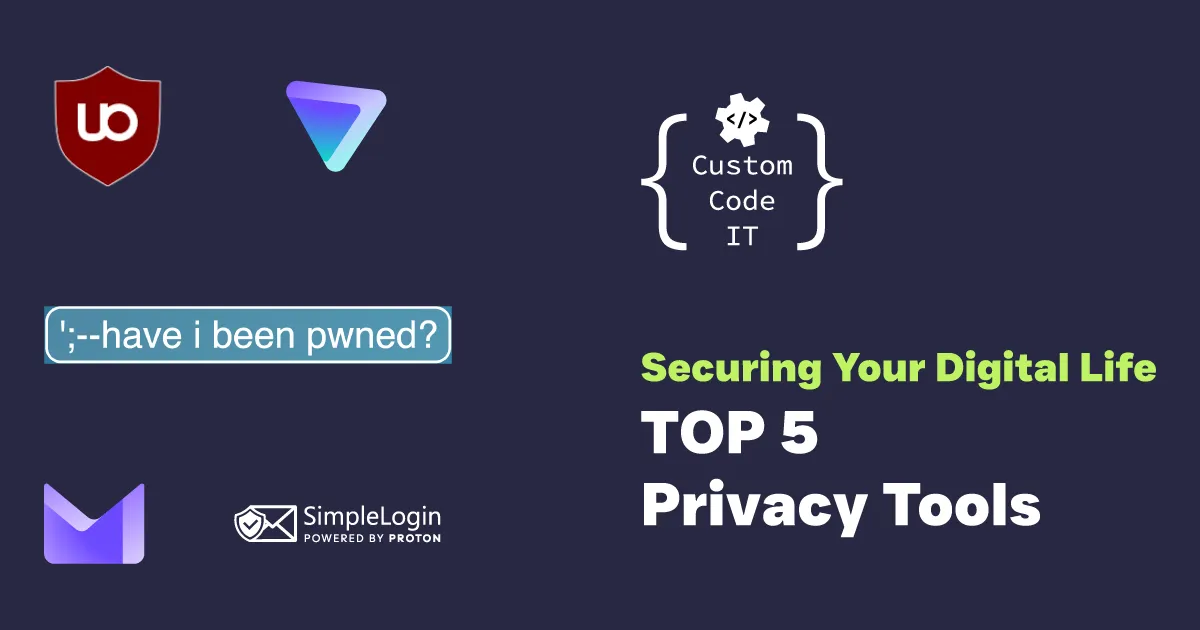
Have I Been Pwned
Built by Australia's own Troy Hunt, Have I Been Pwned is a simple way for anyone to check whether their account has been involved in a data breach. You can also subscribe to alerts, so you're told when an account turns up in a breach.
I recommend it because many people don't realise they have been part of a breach, and it's a good reminder to update passwords.
SimpleLogin
This tool is a pretty neat concept. Instead of giving out your email address whenever you sign up for an account online, you can use SimpleLogin to create email aliases that forward mail to your real address.
That way you never have to share your real address, and you can switch the forwarding off if you know you don't want the mail. If you want to cut down on spam and keep your email address private, this tool is for you.
Some use cases:
- Getting access to a resource behind a mailing list, for example "Sign up to our mailing list and get your free recipe book!"
- Online shopping, where you must supply your email even if you'll never shop there again
Proton Mail
We briefly covered this in our post about why you need a business email. Proton Mail is also available for individuals and is free if all you want is a privacy-focused email provider.
If you'd rather keep your email away from the big providers, Proton Mail is a great alternative.
Proton VPN
To greatly simplify it, a Virtual Private Network (VPN) such as Proton VPN can help you:
- Keep your Internet Service Provider (ISP) from seeing which websites you visit
- Access region-blocked content (TV shows and movies unavailable in your country)
- Add protection on public WiFi at cafes, airports, shopping centres and so on
Your computer creates a secure connection to a VPN service. When you request resources online, the requests go via the VPN, which forwards them and returns any responses to you.
From your ISP's perspective, all they see is that you're communicating with that service, not which websites and resources you're trying to reach. Conversely, websites you visit through a VPN only see traffic coming from the VPN, which can't easily be tied back to you as long as you aren't signed in to an account.
uBlock Origin
Unfortunately, ads have become a common part of browsing the internet. They often make websites frustrating to visit as they compete for your attention, and they can even be malicious. See malvertising.
uBlock Origin is a browser extension that stops ads and similar content from loading. It works best in Firefox. Chrome no longer supports the full version, but a cut-down version called uBlock Origin Lite is available for it.
Need a hand?
That wraps up the series. If you have questions, need help, or want to chat about what we can do for your business, get in touch.