Kyle Murphy
How-To Guide: Back Up Your Google Drive
Storing files on Google Drive isn't a backup. Here are four ways to back up Google Drive, from a manual download to Synology Active Backup.
- guide
- backups
- google drive
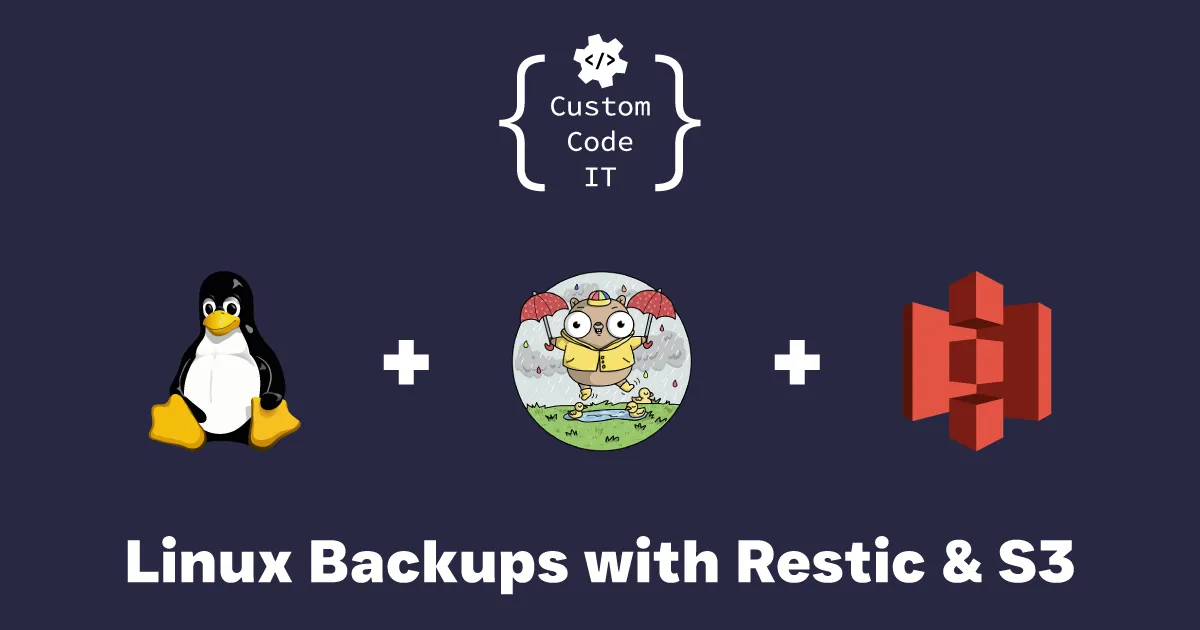
Fast, secure, low-friction backups are something we should all want if we work with files we don't want to lose. I think we're spoilt for choice when it comes to backup tools on Windows. Linux has solutions too, but the barrier to entry seems higher.
After some research and trying different tools, here's what I've found that works for my workflow.
After trying a few different approaches and failing to find something I felt confident with, I stumbled upon Restic. The spiel on their homepage sums it up quite well: it's cross-platform, fairly easy to use, has good documentation, creates secure backups, and makes backups easy to restore and verify. Best of all, it's free.
Restic has a long list of options for where your backups (called repositories) are stored. I'm using S3-compatible Linode Object Storage. Linode is a popular choice for cloud computing, so you might already use it for other projects. Their Object Storage is quite affordable and predictable, but this guide should work with any S3-compatible storage, including Amazon S3 and MinIO.
Install Restic on your PC first. The Restic documentation has installation instructions for your distro.
Once it's installed, run this command to check it worked:
restic versionIn my case, I am using version 0.12.1.
Run the following commands to set up your Restic repository:
export AWS_ACCESS_KEY_ID=<LINODE_ACCESS_KEY_ID>
export AWS_SECRET_ACCESS_KEY=<LINODE_SECRET_ACCESS_KEY>
restic -r s3:eu-central-1.linodeobjects.com/yourbucketname init
You will then be prompted to enter a password to protect your repository. Pick a good one, because it is used to encrypt your backups.
Before we create a backup, we want to check which files are being included and how large the backup will be. Restic 0.13.0 and later can do a dry run to work this out:
restic -r s3:eu-central-1.linodeobjects.com/yourbucketname backup /backup/path/ --dry-run -vvIf you're happy with the result, run the command again without the dry-run flag:
restic -r s3:eu-central-1.linodeobjects.com/yourbucketname backup /backup/path/ -vvRestic can exclude files from a backup. If you're a software developer, for example, you won't want to include directories like node_modules, vendor, Debug or Bin. To avoid them, create a file listing what to leave out. Here's a simple example called exclude.conf:
**/node_modules
**/.env
**/vendor
Downloads
You can check this file against your backup path with the following command:
du -ch --exclude-from=/path/to/exclude.conf /backup/pathWhen you're happy with the result, add it to your backup command:
restic -r s3:eu-central-1.linodeobjects.com/yourbucketname backup /backup/path/ --exclude-file=/path/to/exclude.conf -vvRestoring from a backup is simple too. The existing documentation covers it well.
There are plenty of ways to extend this. You could create a cron job or script to automate the backups, set it up on your servers and target important files and databases, or create multiple repositories for better redundancy.
If you have suggestions or want to talk it through, get in touch through the contact page.
Kyle Murphy
Storing files on Google Drive isn't a backup. Here are four ways to back up Google Drive, from a manual download to Synology Active Backup.
Kyle Murphy
A quick fix for the "sh: mysqldump: command not found" error when running Spatie's Laravel-Backup from a web interface, by setting the dump binary path.
Kyle Murphy
What a password manager is, why you need one, how to choose a master password and what a business gains from using one. Part 1 of 3.
Take a moment to celebrate, give that scrolling finger a break, then contact us because we'd love to hear from you.
0466 624 345